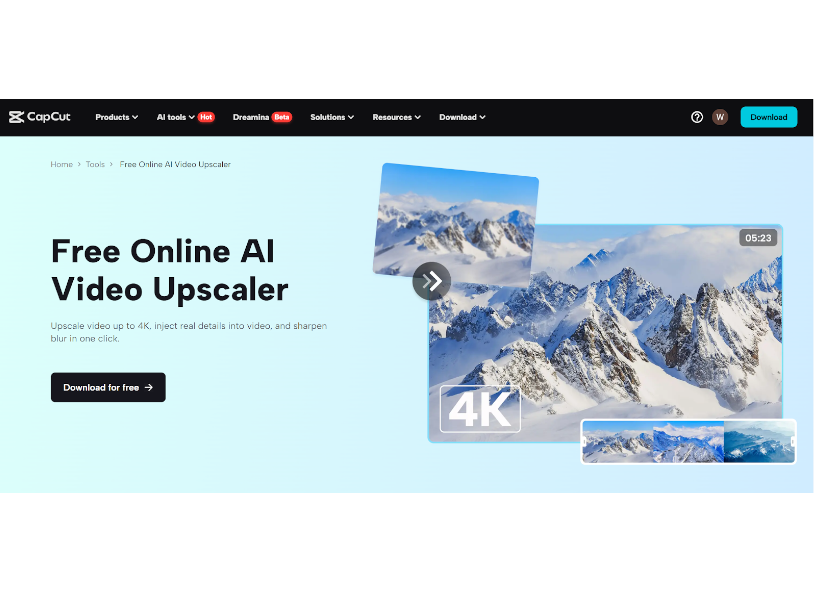
In recent years, artificial intelligence (AI) has become an essential part of many industries. One of the most exciting developments in the field of video editing is AI video upscaling. This technology uses machine learning to enhance the quality of videos, making them look sharper, clearer, and more detailed. Whether you’re a filmmaker, content creator, or just someone who loves to watch high-quality videos, AI video upscaling is changing the way we experience visual media. But how exactly does it work, and why is it so important?
AI video upscaling is a process that improves the resolution of a video, making low-resolution footage look like it was shot in higher quality. This is done by using algorithms that analyze the video and predict what the higher-quality version would look like. This technology is becoming more advanced every day, helping creators improve their old videos or enhance footage they’ve just recorded.
In this tutorial, we will guide you through the AI video upscaler and how you can use it for your videos.
So, let’s get in!
What is AI Video Upscaling?
At its core, AI video upscaling is a process that increases the resolution of a video. This is especially useful when dealing with old videos or low-quality footage. In the past, if you had a low-resolution video and wanted to make it look better, you’d need to use traditional methods like resizing or manually editing the video. These methods could often result in blurry or pixelated footage.
AI video upscalers, however, use deep learning and machine learning to improve the video in a more sophisticated way. They don’t just stretch the image; instead, they analyze each frame and add new pixels based on patterns learned from high-resolution videos. This process allows the video to look sharper, clearer, and more detailed than ever before. The result is a higher-resolution video with enhanced features that look much more like high-quality footage.
AI video upscalers are now widely available, making it easier for creators and filmmakers to enhance their videos without needing to manually edit each frame. This technology is particularly useful when working with older content, such as old films or low-quality videos that were shot on older cameras.
How Does AI Video Upscaling Work?
AI video upscaling works by analyzing the frames of a video and using algorithms to predict what the higher-resolution version should look like. The AI looks at the patterns and structures in the original footage, and based on that, it generates new, higher-quality pixels to improve the overall look of the video. The more data the AI has been trained on, the better it can predict what the higher-resolution footage should look like.
Think of it like this: Imagine you have a blurry picture. Instead of just stretching the image to make it bigger (which would make it even more blurry), an AI upscaler fills in the missing details and makes the image look sharper. It’s like giving the AI a set of rules to follow, so it knows how to recreate the missing details.
Just like how text to speech AI works by converting written text into natural-sounding speech, AI video upscaling enhances the visual quality by understanding and predicting the missing pixels in the video. AI uses large datasets of high-resolution footage to train its models. This way, it learns what details should be added to make the video look more realistic.
As AI technology continues to improve, it’s able to create even more accurate results, allowing video creators to work with old or low-resolution content and make it look brand new.
Steps for Using CapCut Desktop Video Editor’s AI Upscaler
If you want to use AI upscaling to improve your videos, one great tool you can use is the CapCut desktop video editor. Here’s how you can quickly use its AI upscaler:
Import Video
Start by opening the CapCut desktop video editor and importing the video you want to upscale. Just drag and drop the file into the editor, and it will be ready for editing.

Use Video Upscaler
Next, find the AI upscaling feature in the CapCut editor. Select the Video > Basic > Image Enhancer feature. You can choose options for HD and UHD. The AI will automatically analyze the video and enhance its resolution. You can also use features like text to speech, AI voice generator, voice changer, and many more features.

Export Video
Once the AI has done its magic, it’s time to export the video. Choose your preferred file format and resolution, and click “Export” to save your enhanced video. The result will be a much higher-quality video ready for sharing or publishing.

Conclusion
AI video upscaling is a powerful tool that allows you to enhance your video content quickly and easily. Whether you’re working with old footage or new content, this technology can improve the resolution, sharpness, and color of your videos. As AI technology continues to evolve, it’s becoming an indispensable tool for creators across all industries. By using tools like CapCut’s AI video upscaler, you can improve your videos without needing to be an expert in video editing.
As AI continues to transform media production, it’s not just limited to video. Technologies like AI voice generators and text to speech AI are also changing the way we create and consume content. With AI, the possibilities for enhancing video, audio, and even written content are endless!
Disclaimer
Comments expressed here do not reflect the opinions of Vanguard newspapers or any employee thereof.