
By PRINCE OSUAGWU
Getting the iPad or iPhone to belong to the Apple class is just one thing. Remaining in that class depends on whether you maximize the apps and functionalities available in the gadgets.

For most people, these high class gadgets have become just status symbol. They operate the iPhone or iPad like most legacy communication equipment long phased out.
Now, here are few tricks that may not only make you feel like you know your portable device so much better, but also allow you faster and easy use of them.
*You can do more with airplane mode
Ordinarily, users know the airplane mode more for keeping their phones from ringing when in a meeting or in the case of an iPad, when entering the plane. But a major problem this feature solves which is not known to many is that if you put your phone on airplane mode, it will charge twice as fast. Try it today and see.
*You can invert your colors for better nighttime browsing.
You find it difficult using the devices in the night particularly phones because the dialing pad is dark. But you can invert your colors to turn the screen black and the text white for less eye strain.
To do this, go to Settings, scroll to General and there, locate Accessibility. In the options that will appear, turn on “Invert Colors.”
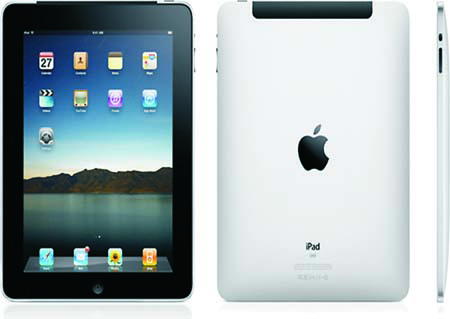
*Create app folders on your iPad
Apparently you never knew that on the iPad you can add more apps to the home row and or add folders to it
Even on the bottom dock of the iPad you can add or alternate apps from the four on default.All it takes is to just click any app and hold until you get the jiggly icons.
Then, you can move folders into the folder dock as well. This helps you to keep your most important apps just two clicks away.
*Get to the Camera app without having to unlock your phone.
Swipe up on the little camera icon in the bottom right corner of your home screen. The Camera app will open, bypassing the unlock screen.
This is especially handy when something incredibly photo-worthy is happening and you need to access your camera immediately.
It’s also great when handing your phone to others for taking photos — they won’t need to enter in your password.
Disclaimer
Comments expressed here do not reflect the opinions of Vanguard newspapers or any employee thereof.